

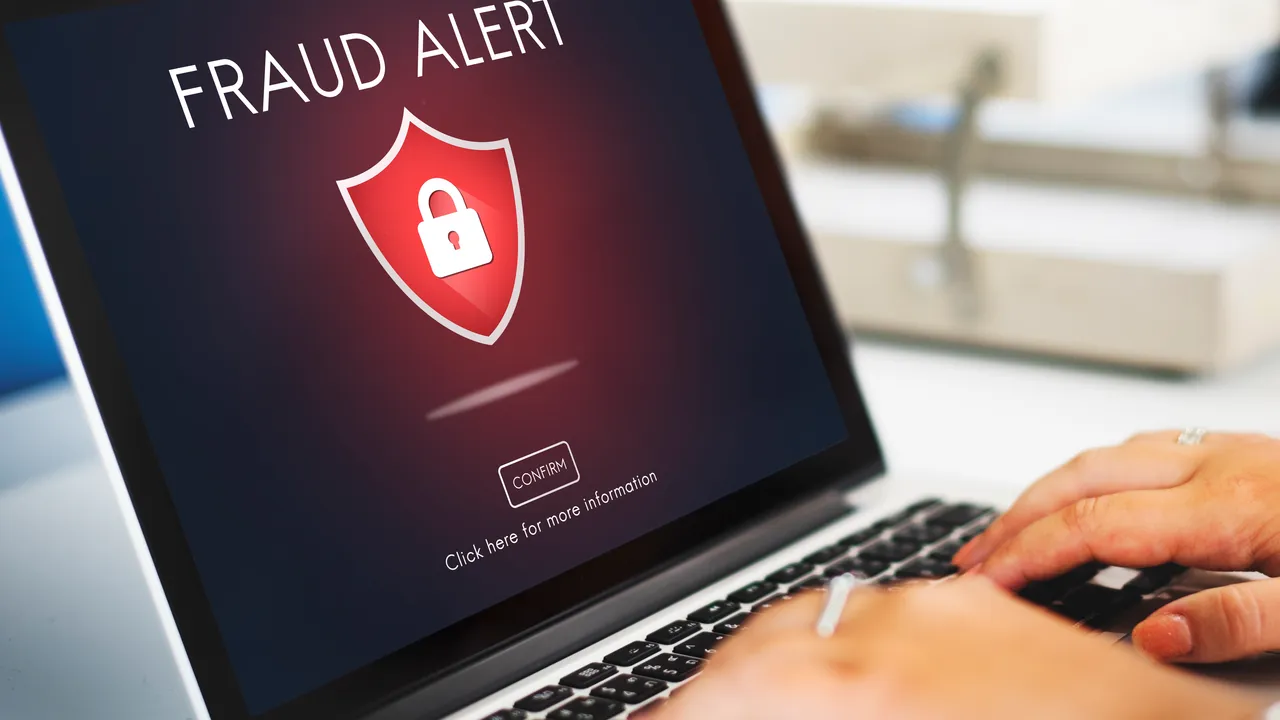
Phishing is a message that pretends to come from someone you trust — a bank, a delivery company, a colleague, a government office — to get you to click a link, open a file or hand over a password or payment details. It arrives by email, text message, WhatsApp, social media and even phone calls.
Scammers have become very good at copying logos and tone. The good news: most phishing still has tell-tale signs. Check for these eight before you act.
1. It creates urgency
"Your account will be closed in 24 hours." "Your parcel will be returned today." Pressure is the scammer's most important tool, because people who are rushed don't check details. Real organisations rarely demand action within minutes.
2. The sender's address doesn't match
Look past the display name. A message named "Bank Support" might come from a random free email address or a domain that's almost right — an extra letter, a different ending, or the real name buried inside a longer domain. On a phone, tap the sender name to see the full address.
3. The link goes somewhere unexpected
On a computer, hover over a link to see where it really points. On a phone, press and hold it to preview the address. Be wary of shortened links, misspelled brand names and addresses where the real brand appears only as part of a longer domain.
Safest habit: don't use the link at all. Open the app or type the website address yourself.
4. It asks for something sensitive
Banks, payment services and reputable companies don't ask you to send your password, full card details or one-time verification code by email or message. Never share a verification code that you didn't request — that code is often the last thing protecting your account.
5. The offer is too good — or the threat too scary
A prize you never entered, a refund you weren't expecting, an investment with guaranteed returns, or a fine you've never heard of. Strong emotions, positive or negative, are designed to switch off caution.
6. Unexpected attachments
Invoices you didn't ask for, "scanned documents" or compressed files can contain malware. If a known contact sends something unexpected, confirm with them through another channel first.
7. Small mistakes in language and design
Odd greetings, awkward phrasing, the wrong logo, or an address that doesn't match the company's country can all be clues. Be aware that better tools mean many scams now look polished, so don't treat good grammar as proof that a message is genuine.
8. A familiar person asks for money in an unusual way
"It's me, I lost my phone, this is my new number — can you send money?" Business variants ask finance teams to change a supplier's bank details. Always verify with a phone call to a number you already know.
What to do if you clicked
Don't panic — act quickly:
- If you entered a password, change it immediately on the real website, and anywhere else you used the same password.
- Turn on two-factor authentication if it isn't on already.
- If you shared card or bank details, call your bank using the number on your card or its official website.
- If you downloaded a file, disconnect from the internet and run a security scan.
- Report the message to your email provider, your organisation's IT team, or the company being impersonated.
The bottom line
Slow down. Check the sender, check the link, and never share codes or passwords through a message. When in doubt, contact the organisation directly using details you find yourself.

Comments & ratings
No comments yet. Be the first to share your view.